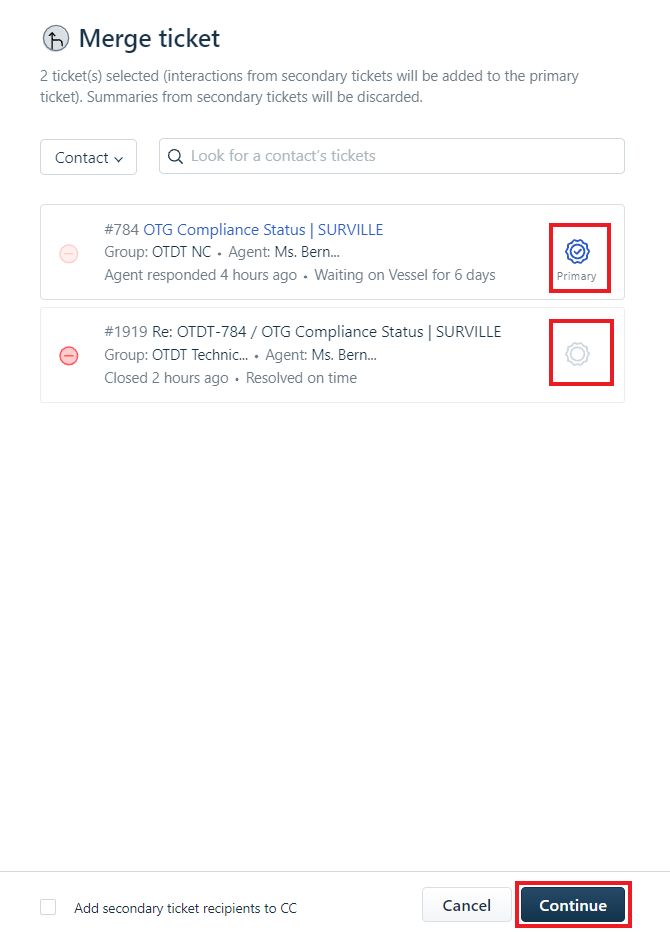
When to merge tickets?
Please merge ticket when the topic & content are exactly the same, do not merge different problems.
How?
Select more than 1 ticket.
Instruction.
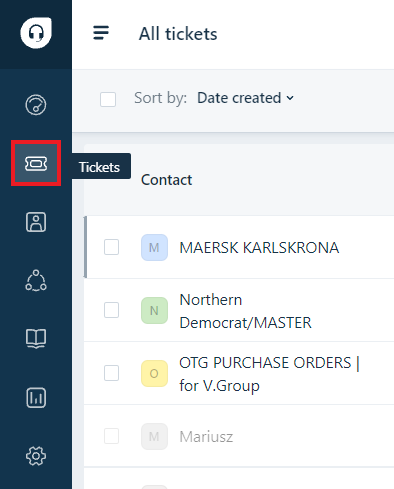
1. Click on Ticket from left bar of Freshdesk.
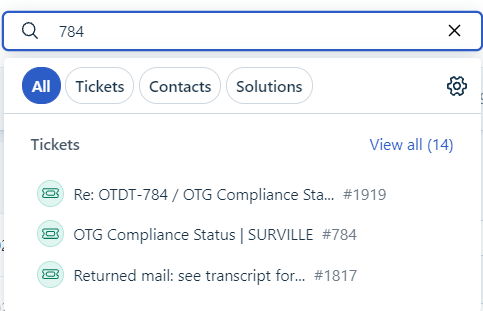
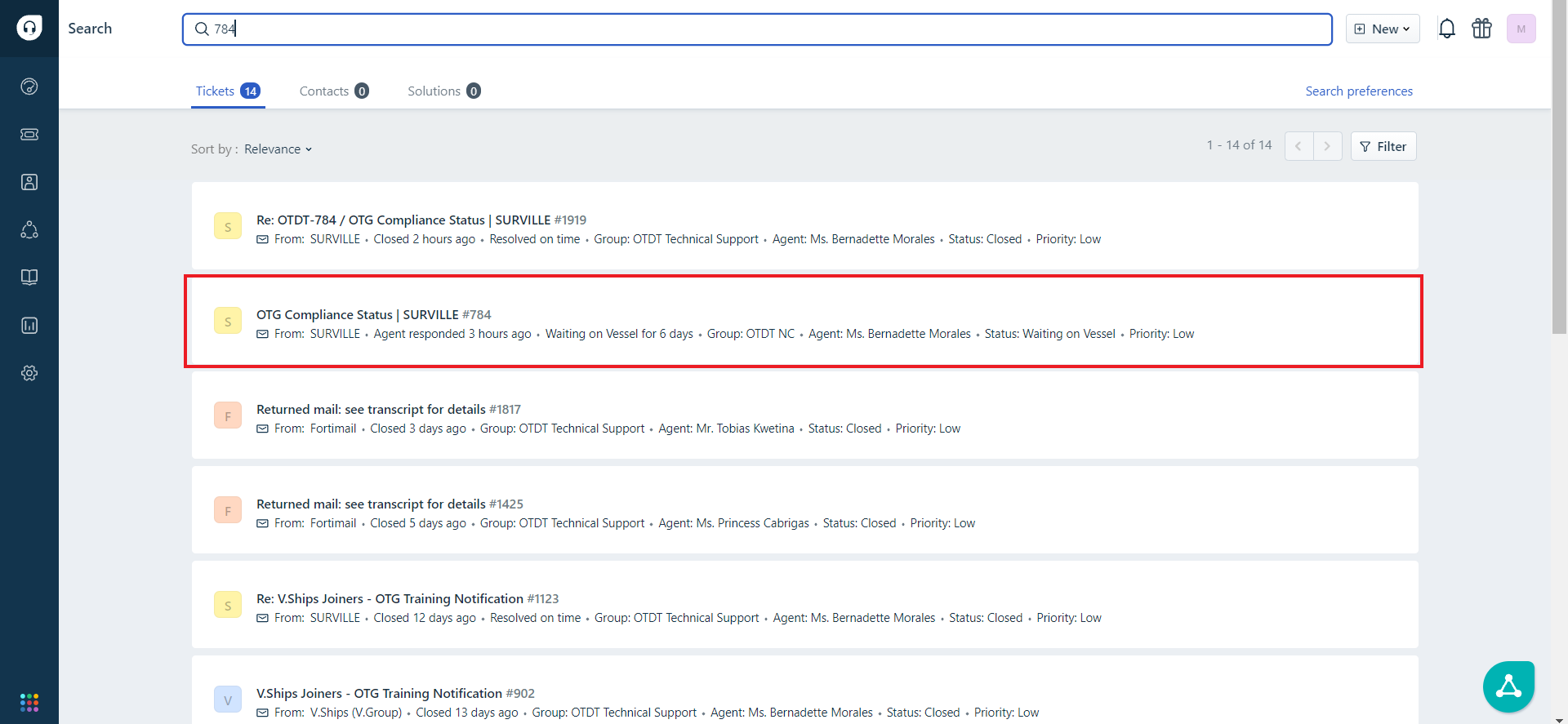
2. Search Ticket of original and ticket need to merge.
Example of ticket with 784(Original) and 1919 (Ticket want to merge).

3. Ensure all details of ticket was input to specific on the data accuracy. (VESSEL NAME, Type, Status)
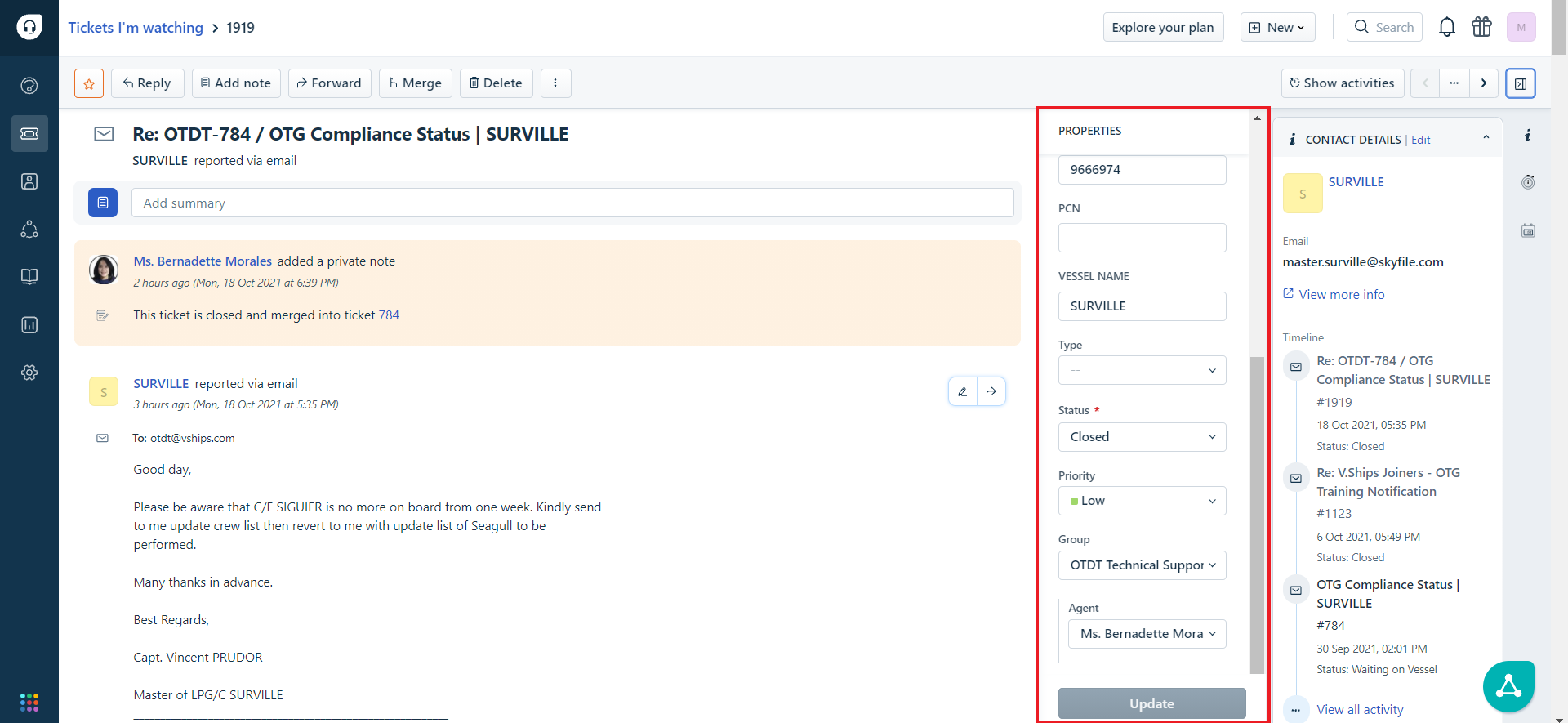
4. Choose on "Watch" to add your name on that Ticket.
Doing both of Ticket to let them appear on your Watching.
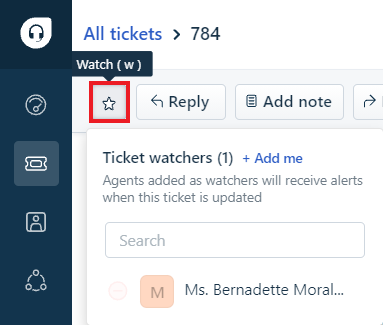
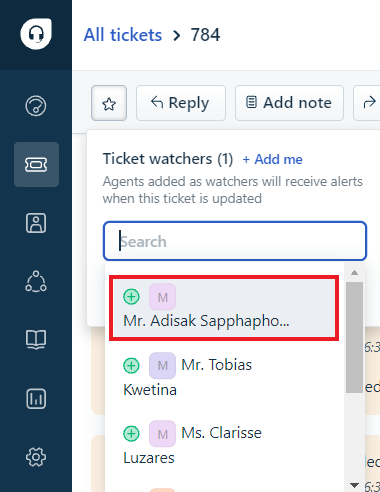
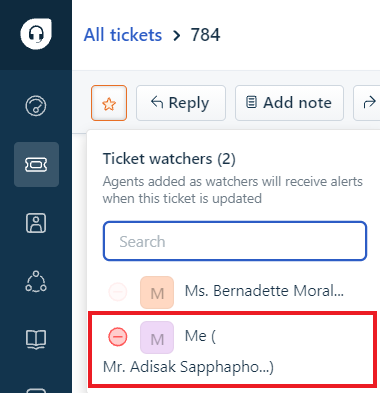
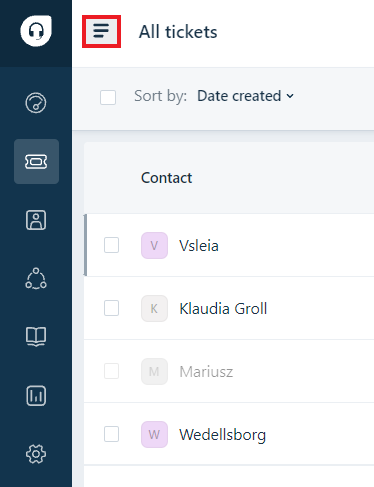
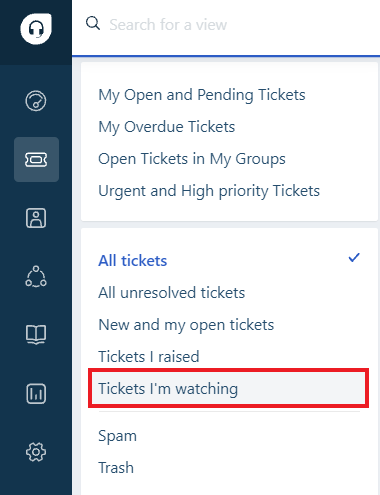
5. Click on 4 line beside "All Ticket" on the top left of Freshdesk and choose "Ticket I'm watching".
6. Choose ticket that you want to Merge and Click "Merge".
Note: If have too many ticket here. Just make sure you have clear the watch ticket that follow before to decrease appeared on this page.


7. Choose Primary for ticket that you want to make it as Main ticket and Press "Continue" to merge it.